
Meet your desktop cat.


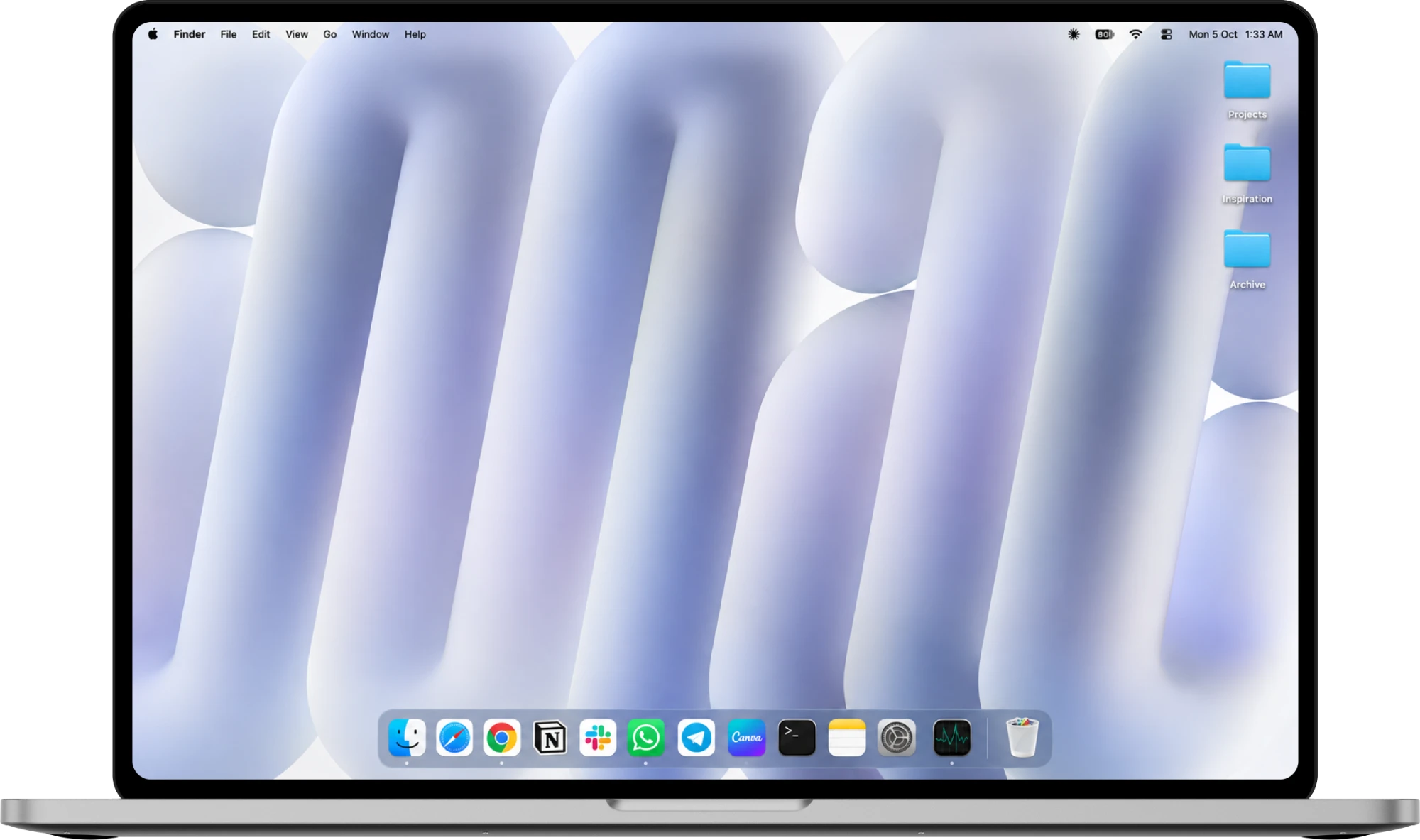

See what a day with your cat looks like

From your first coffee to bedtime.
8:00 AM
Good Morning
Your cat is up before you. It stretches and settles on your dock.
A little company while you work

10:30 AM
Need A Hand?
Click the cat and say what you need.
It does the clicking for you
 Tidy up my Desktop
11:15 AM
Find It Fast
Ask for a file. The cat finds it and opens it.
No more digging through folders

3:00 PM
Let’s Play
It pops in beside a file and taps it with one paw. Off it flies to its folder.
Chores that are fun to watch

4:30 PM
Time For A Break
It hides while you work, and settles in when you stop.
Never in your way

10:30 PM
Bedtime
When your Mac goes to sleep, so does the cat.
Your iPhone says what is waiting
zzz






Your cat is in your pocket too.

One cat on your Mac and your iPhone. Ask from your phone, and the Mac does it.


Your Mac's cat is at home. You're on your iPhone.
FAQ

A tiny cat that lives on your Mac and keeps you company on your iPhone. Tell it what you need and it finds files, tidies folders, closes apps, opens things and sets reminders.
Find and open files, tidy folders, open and close apps, play a video and skip its ad, start an email draft and set reminders. It does the clicking with one paw.
Sign in to the same account on both. When your Mac is awake and the app is open, the chat on your iPhone can use it. The Mac does the work and your iPhone shows what is happening.
Your iPhone says so. Jobs that only open something, like a file, an app or a page, wait and run as soon as the Mac wakes. Jobs that look through or change your files need the Mac awake, so the cat tells you it did not do them.
It never deletes files for good, sends email, buys things or changes system settings, and it stays away from passwords and Terminal. Before it empties the Trash, it checks with you.
Yes. What you type goes to an AI model that plans the steps, and the cat carries them out.
Only when a task needs it. macOS asks for its own permissions first, screenshots go to an AI provider only while that task works, and you can turn it off in Settings.
No. It stays where you left it, hides while you chat or while a task runs, and pops in only beside the file or button it is about to touch.
Macs on macOS 14 or later, and iPhones on iOS 17 or later.
Contact Us

Questions or ideas? We read everything.